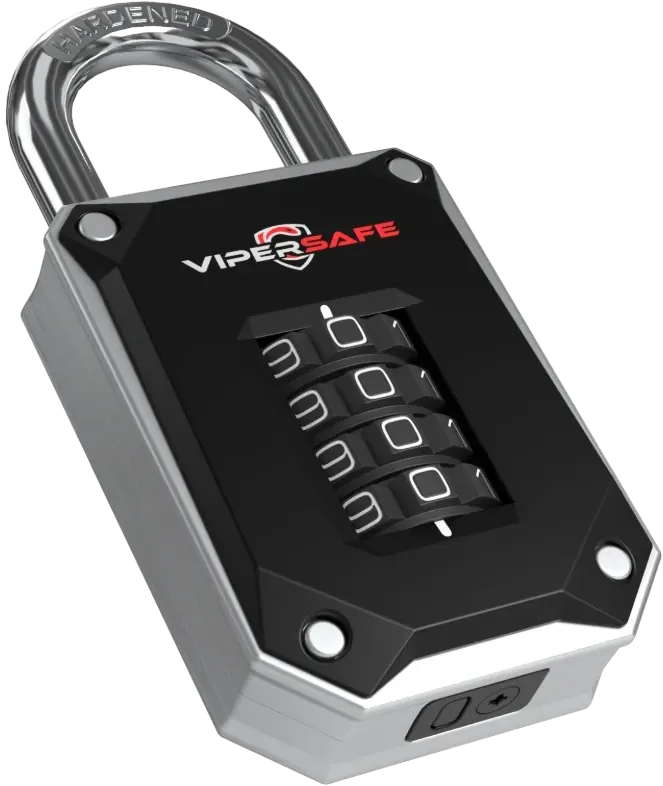

Resetting a combination lock can look fiddly, but almost every resettable lock follows the same pattern: open it, put it into reset mode, set your new code, then take it out of reset mode. Once you understand those four stages, you can reset most padlocks, luggage locks and key safes in a couple of minutes.
Before you start
- You'll need the current code. For a new lock, that's the factory code given in its instructions. A combination lock can only be reset while it's open.
- Keep it open throughout, so you can't accidentally lock it with a code you're unsure of.
- Decide on your new code first, and write it down somewhere secure.
- Find good light, so you can line the digits up precisely.
The four stages of a reset
1. Open the lock
Enter the current code and open the lock fully. On a padlock, pull the shackle up; on a cable luggage lock, release the cable.
2. Enter reset mode
This is the step that varies most between designs. Common methods include:
- Turning and pressing the shackle. On many padlocks, you rotate the open shackle to a set position – often a quarter or half turn – and press it down.
- A reset button or lever. Some locks have a small button or lever, often recessed so it can't be pressed by accident. You may need a pen tip to press or slide it.
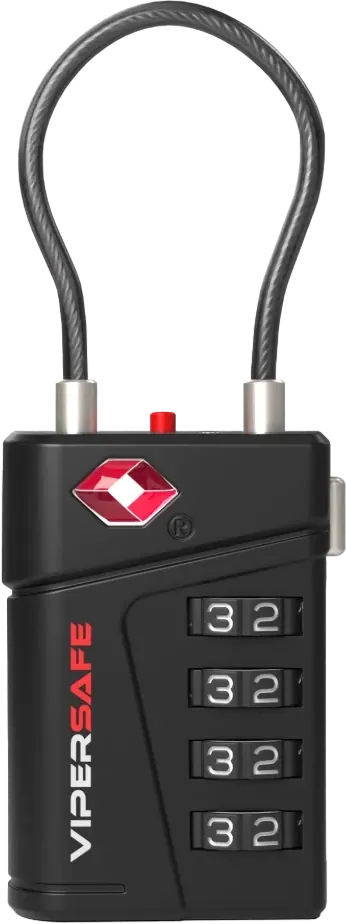
- A reset switch. Many TSA luggage locks, including the ViperSafe VS51, have a small switch on the side of the body.
Your lock's instructions show which method it uses.
3. Set your new code
With the lock in reset mode, turn each dial to your new code. Take your time: each digit needs to sit squarely in line with the marker.
4. Take it out of reset mode
Return the shackle, release the button or slide the switch back. Your new code is now set.
Then test it
Scramble the dials, enter your new code and open the lock. Repeat a few times before you rely on it – and before you lock it onto anything.
Resetting a combination padlock
For a padlock such as the ViperSafe VS60, follow the four stages above, using the reset method shown in its instructions. Test the new code by closing and reopening the padlock a few times before you fit it to a locker, shed or gate.
The VS60 has a 7 mm hardened steel shackle, a weatherproof zinc-alloy body and 10,000 possible codes. See our full range of combination padlocks.
Resetting a TSA luggage lock
TSA locks follow the same pattern. On the VS51:
- Enter the current code and release the cable.
- Move the reset switch on the side of the lock into the reset position.
- Turn the dials to your new four-digit code.
- Return the switch to its normal position, then test.
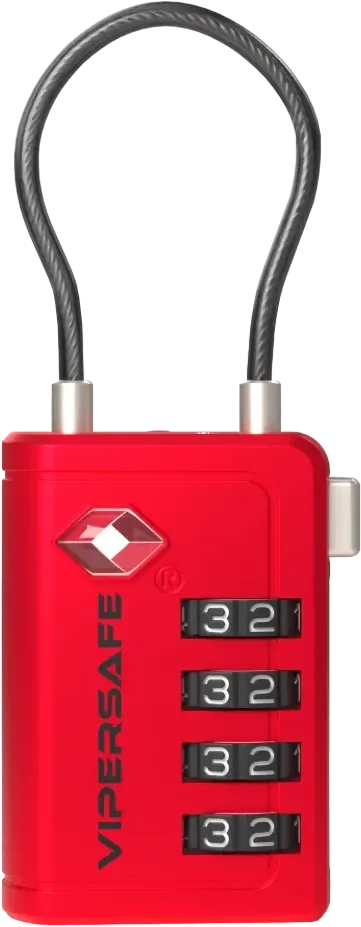
For the VS50, use the reset control shown in its instructions. Changing your code doesn't affect the TSA feature: airport security can still open the lock with their Travel Sentry® master tool. Browse all travel and TSA locks.
Changing a key safe code
You'll need the key safe door open to change its code. Open it with the current code, set the new code as shown in your instructions, and then – most importantly – test it before you close the door. Enter the new code and check that the latch releases, then try a wrong code to make sure it doesn't.
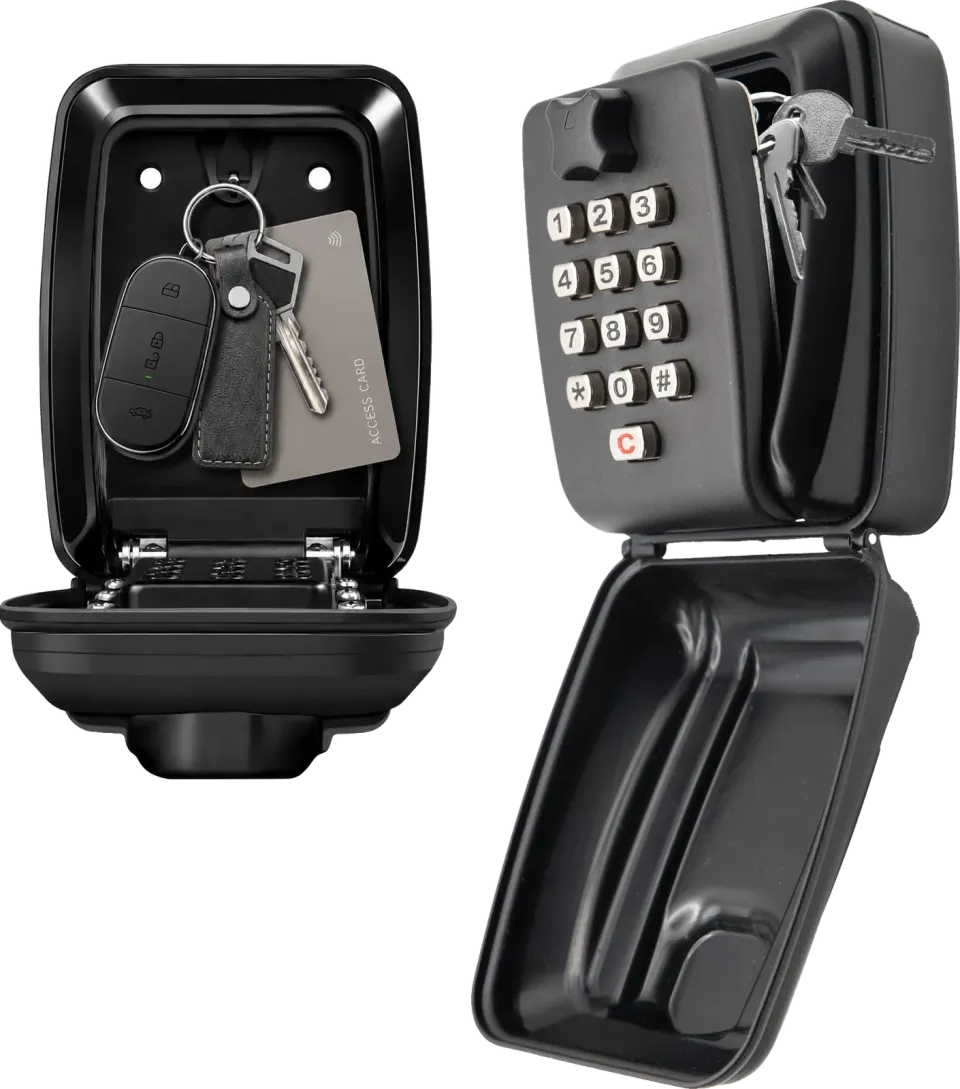
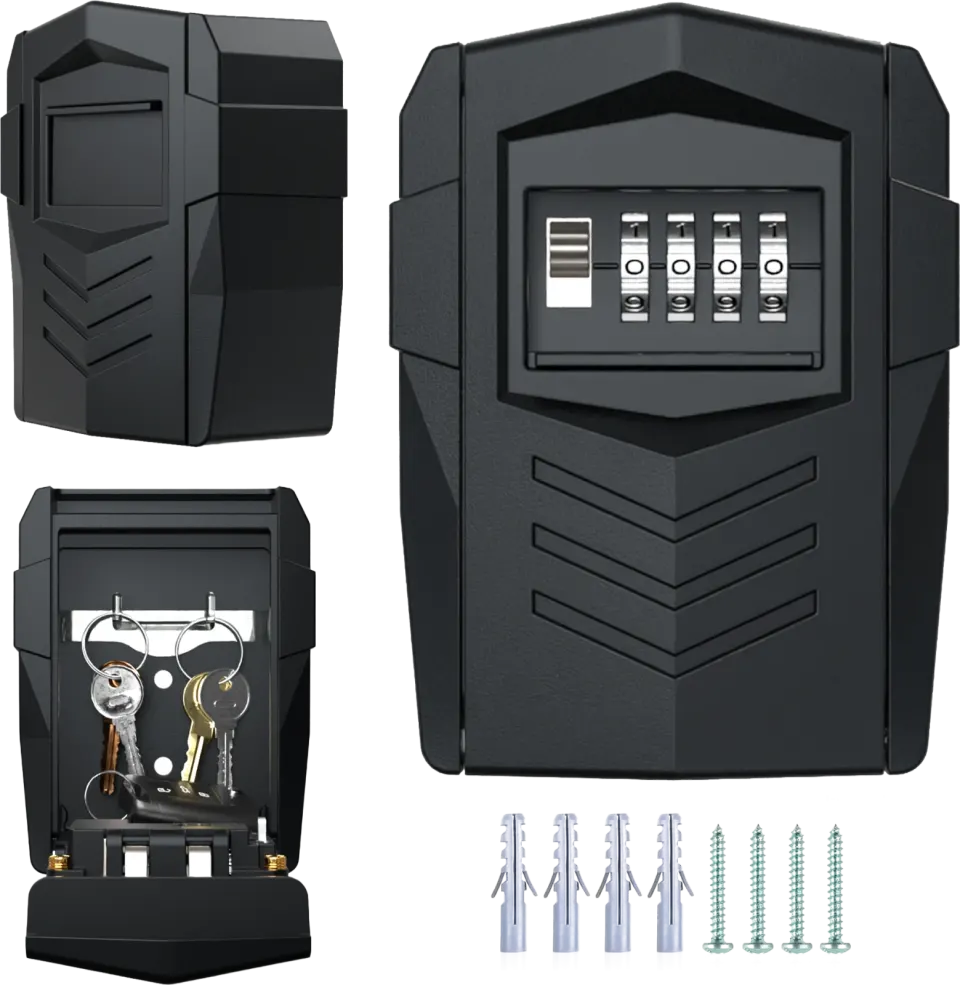
On push-button models such as the VSKL001, press C (clear) before entering a code, so any earlier presses are wiped. On 4-digit combination models such as the VS300, scramble the digits after closing. See all key safes.
Choosing a strong code
A four-digit lock has 10,000 possible codes – ten times as many as a three-digit lock – but that only helps if you avoid the obvious ones.
- Avoid 0000, 1234, repeated digits and simple sequences.
- Don't use a year of birth, a house number or anything printed on your luggage tag.
- Don't reuse your bank card PIN.
- Use different codes for locks that protect different things.
Troubleshooting: padlock with code won't open?
It's new and you haven't set a code yet
A new lock opens on the factory code given in its instructions until you set your own. Line each digit up squarely with the marker before you pull the shackle or cable.
The new code doesn't open the lock
Try your old code first – if the reset didn't fully engage, the lock may still be set to it. Next, try the digits one position either side of your new code, in case a dial slipped slightly while you were setting it.
The dials are stiff
Check for dirt or grit around the dials, especially on locks used outdoors. Don't force them, as forcing can damage the mechanism.
The lock won't go into reset mode
Make sure it's fully open. On padlocks that reset by turning the shackle, check that it's in exactly the position your instructions show, and pressed fully down.
You've forgotten the code
For security reasons, we can't recover forgotten codes. If you know roughly what you set, try the likely variations first. If the lock is fitted to something you own and you still can't open it, a locksmith may be able to help.
How many combinations does a 4-digit padlock have?
10,000 – every code from 0000 to 9999, against 1,000 on a 3-digit lock. That's why guessing a code isn't practical, and why it's worth keeping yours somewhere safe.
Choosing the right lock
Our guides on gym locker padlock sizes, shed and gate padlocks and suitcase locks help you pick the right lock for the job.
Keep your codes safe
Store your codes somewhere secure, such as a password manager, rather than on a note in your wallet or suitcase. If you think someone else has learned a code, change it.
Need more help? Visit our manuals and setup guides or email support@vslocks.com.