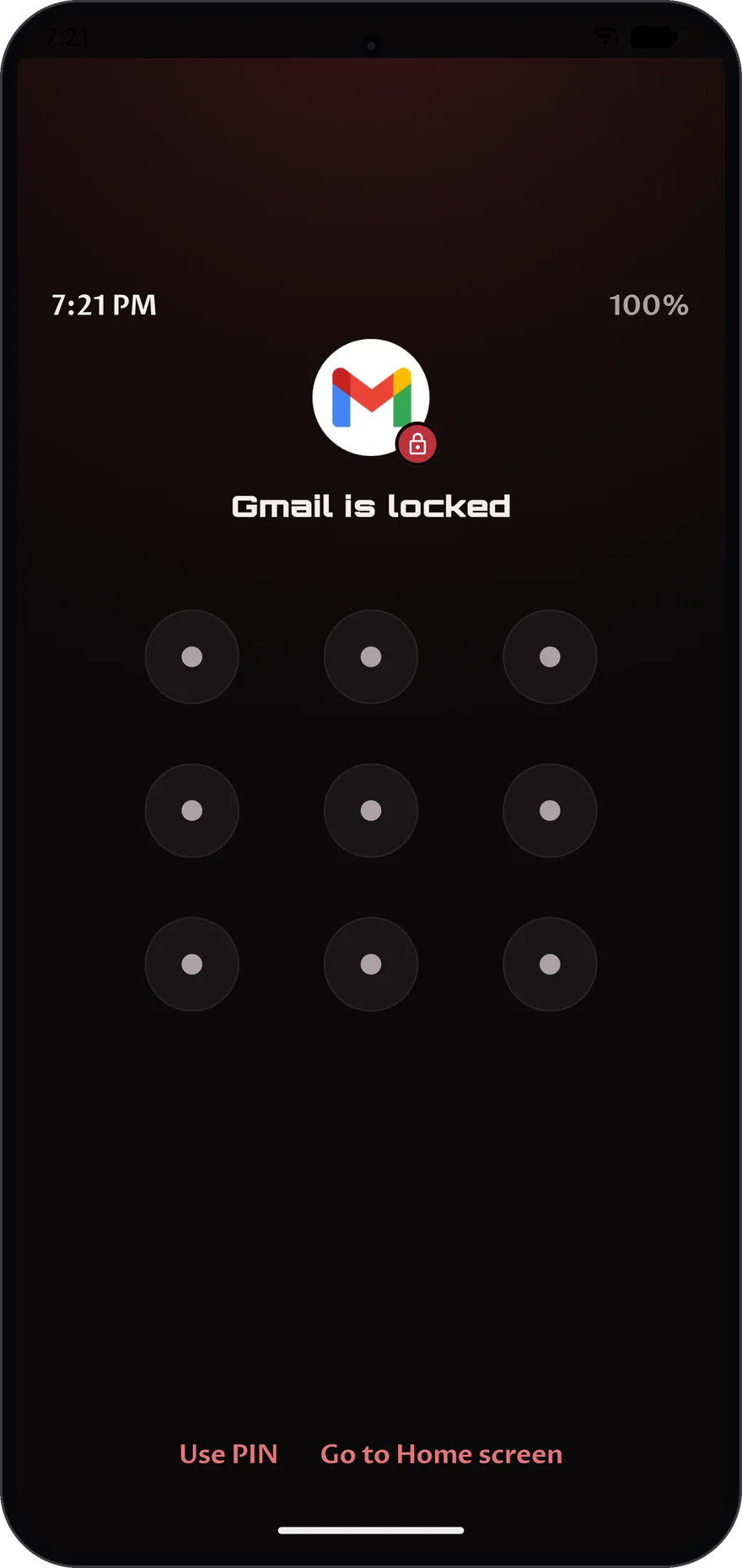
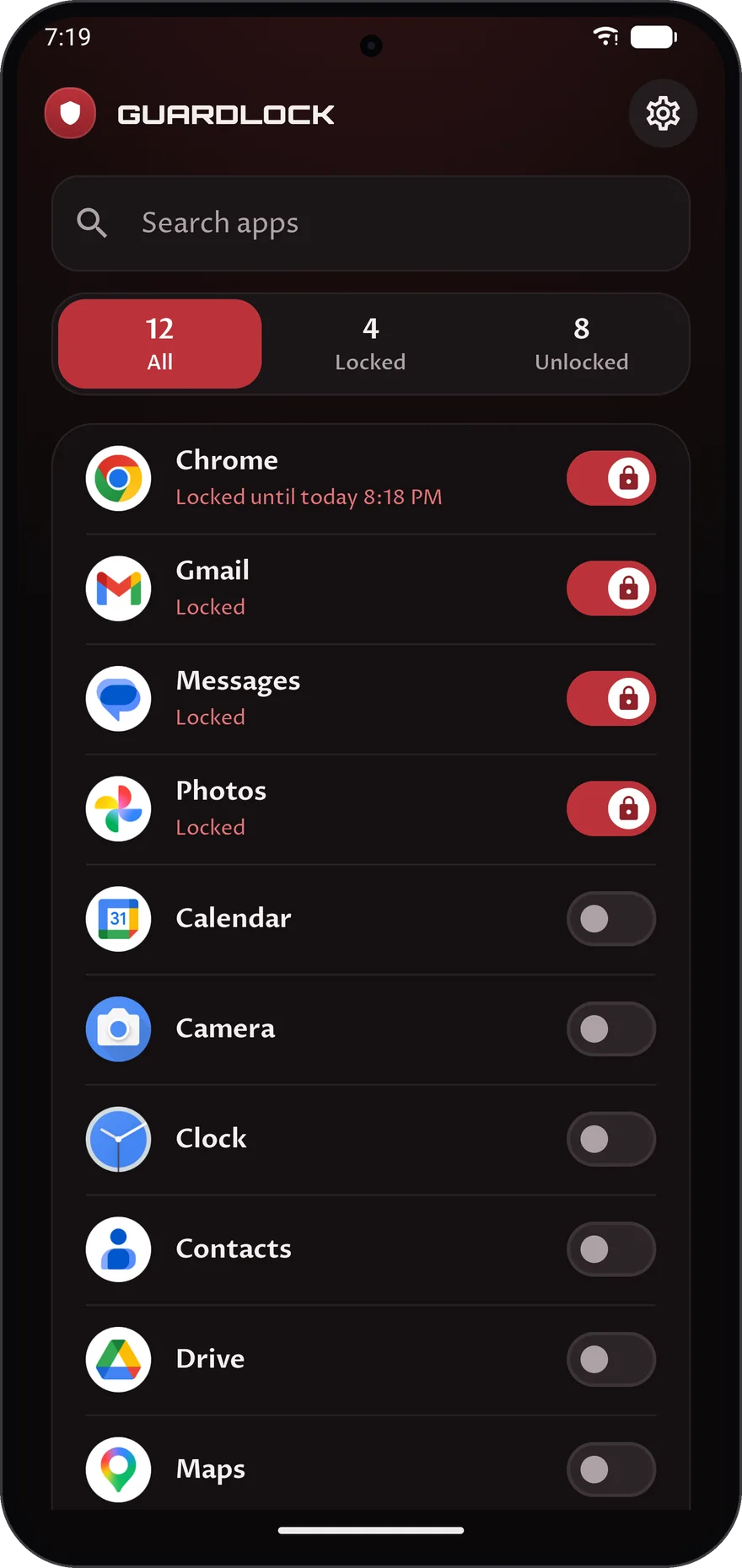
Flip the switch on any app to lock it, and it stays locked until you unlock it. To lock it for a set time or on repeat, tap the rest of its row.
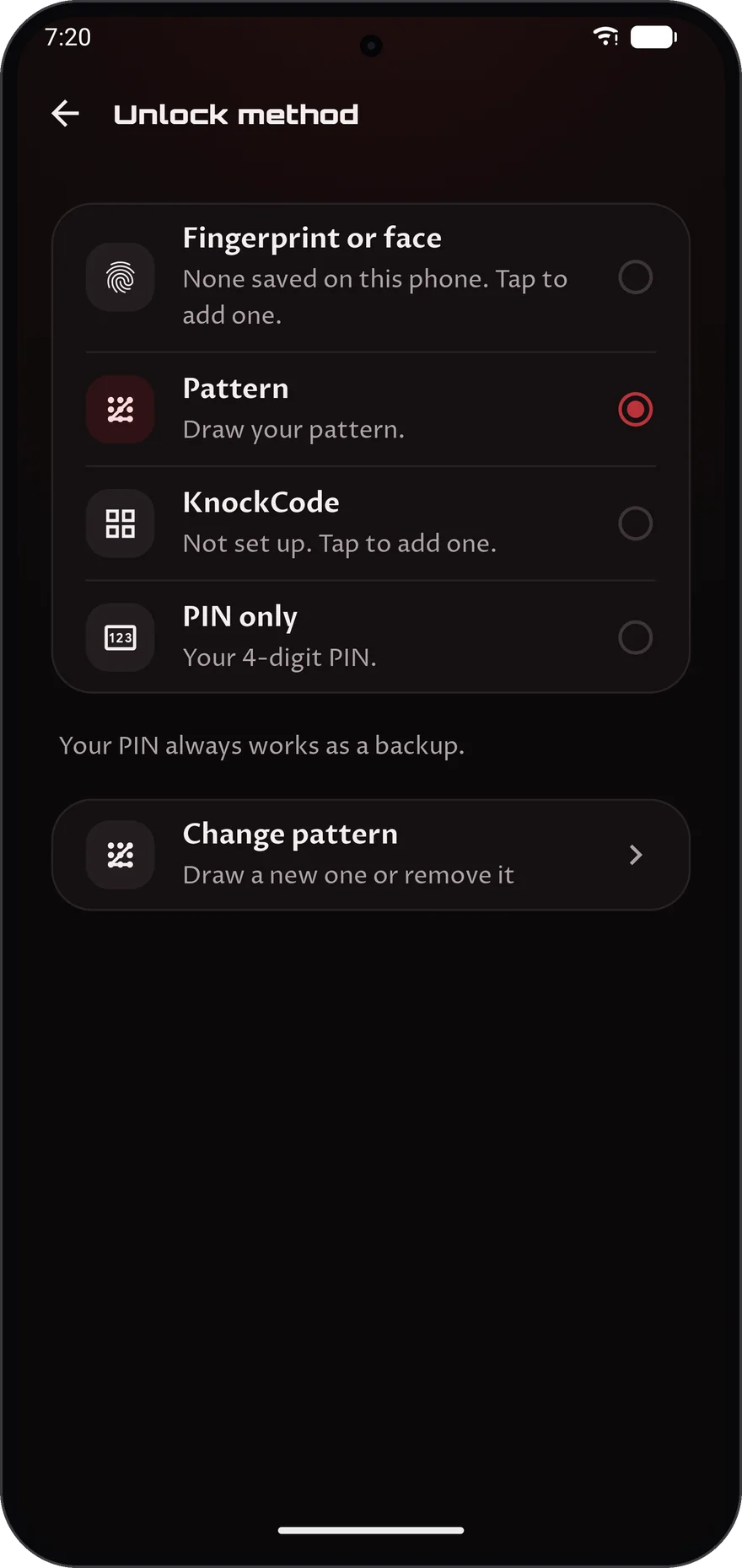
Four digits. It always works as a fallback, and it is how you open Guardlock itself.
Everything about your locks
Locking apps is free. The tools below are part of Guardlock Plus.
01/06
01
01Plus
Know where your time goes
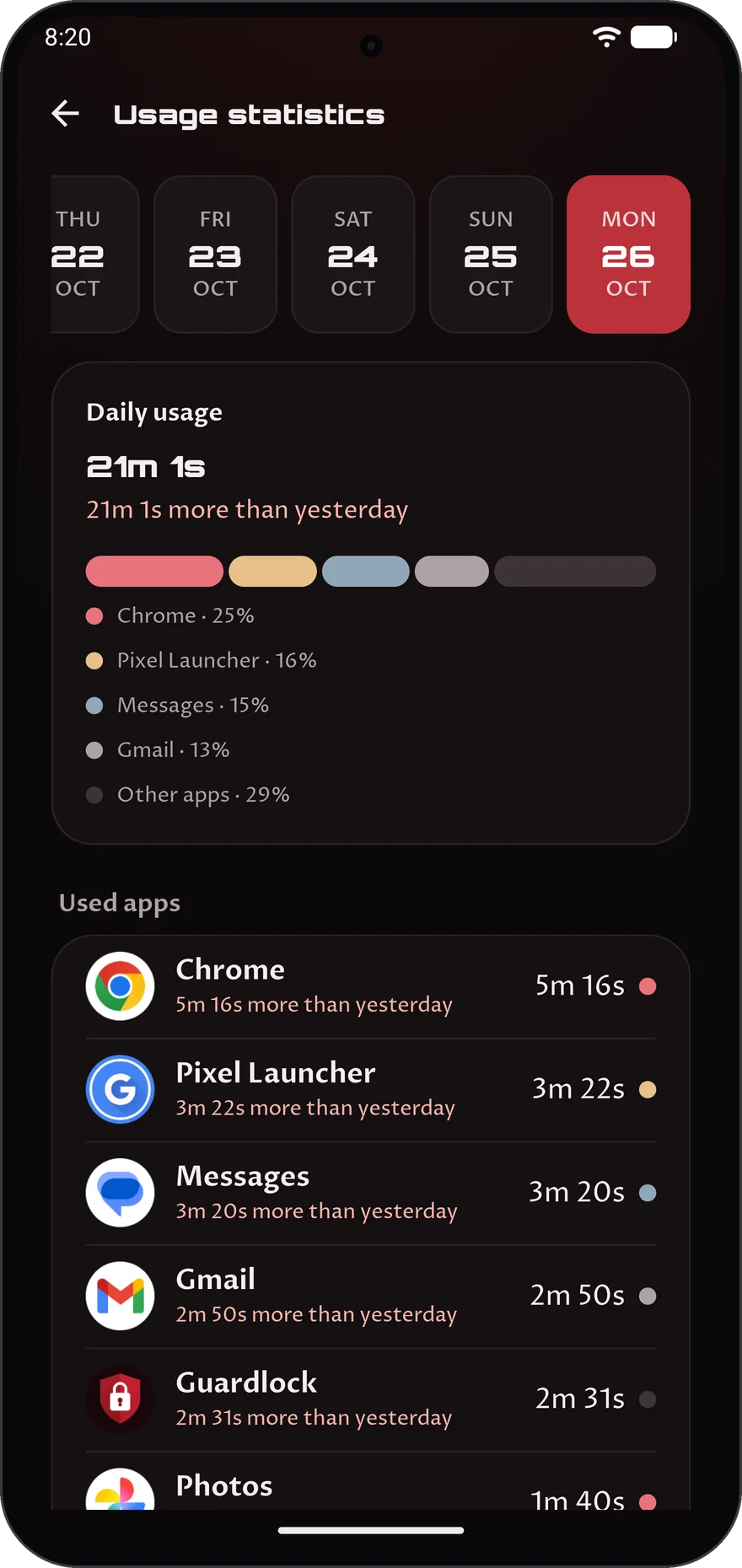
Usage statistics shows your time in every app over the last seven days, with a daily total and how today compares with the day before.
The last seven days, app by app
A daily total you can check at a glance
A comparison with the previous day
02
02Plus
Track your data
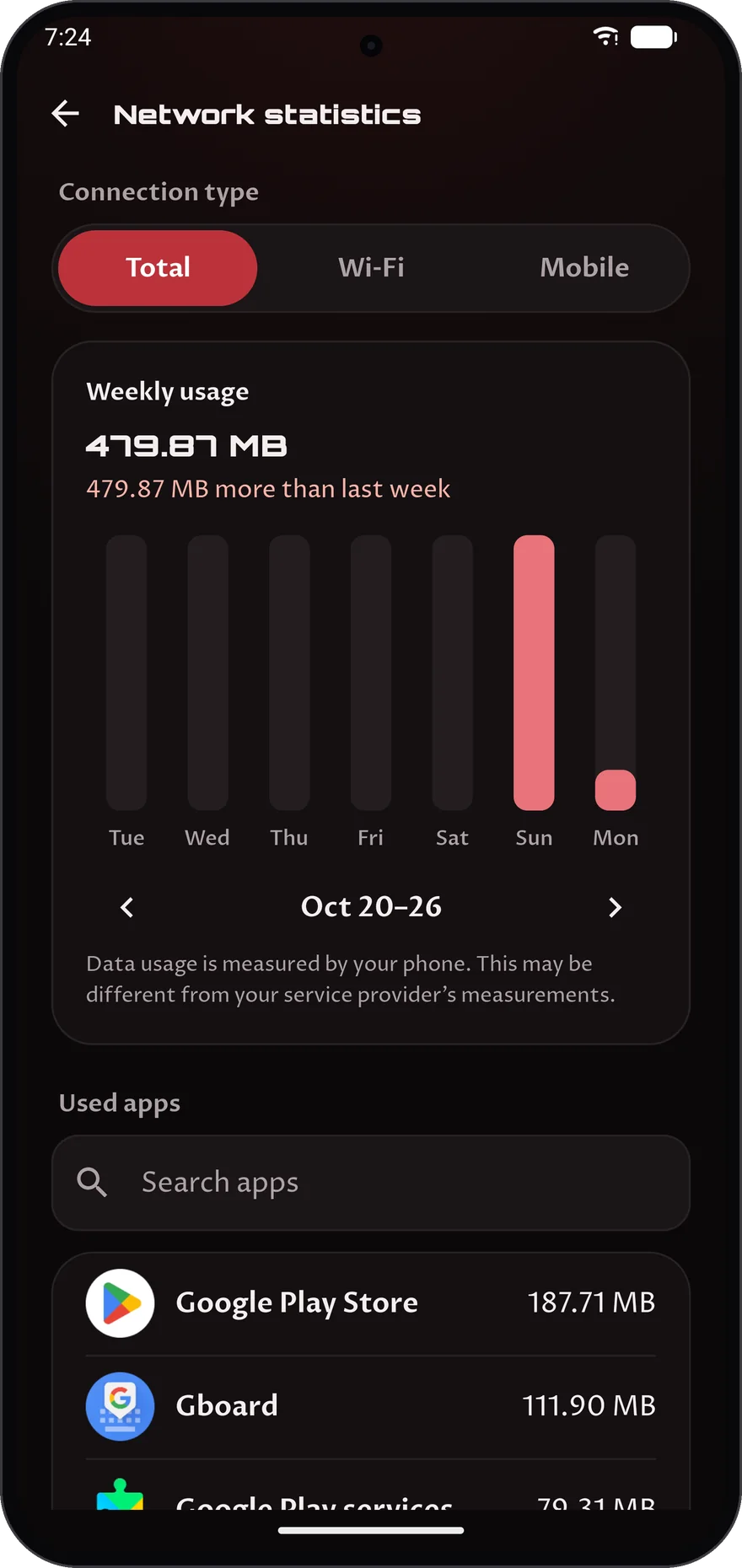
Network statistics shows a week of Wi-Fi and mobile data, using the figures your phone already measured.
Wi-Fi and mobile data side by side
A full week of figures
It reads what your phone already measured
03
03Plus
See your lock activity
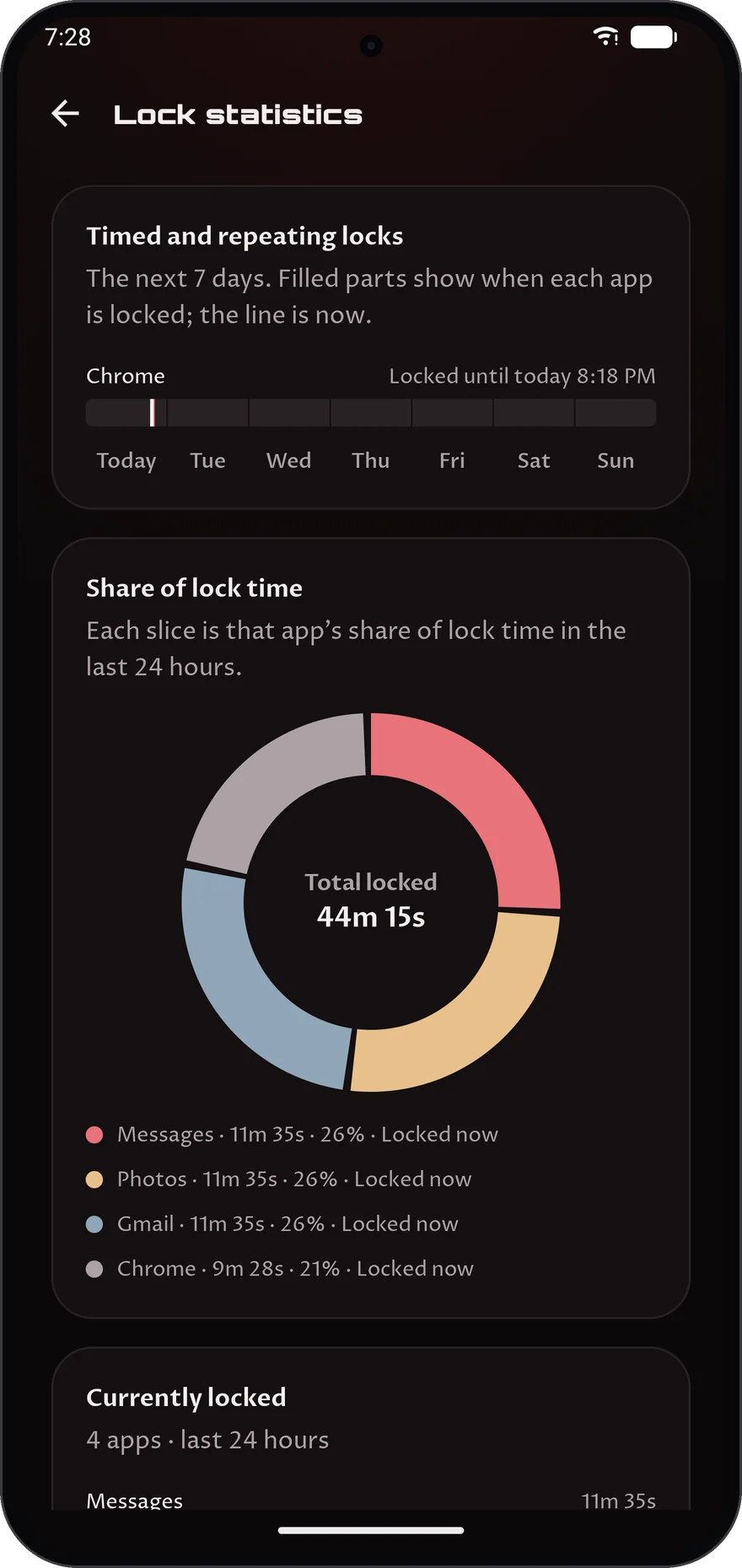
Lock statistics shows how long your apps have stayed locked over the last day or week, and each app's share of that time.
A day or a week at a glance
Each app's share of the total lock time
The apps locked right now, and for how long
04
04Plus
Catch anyone who guesses
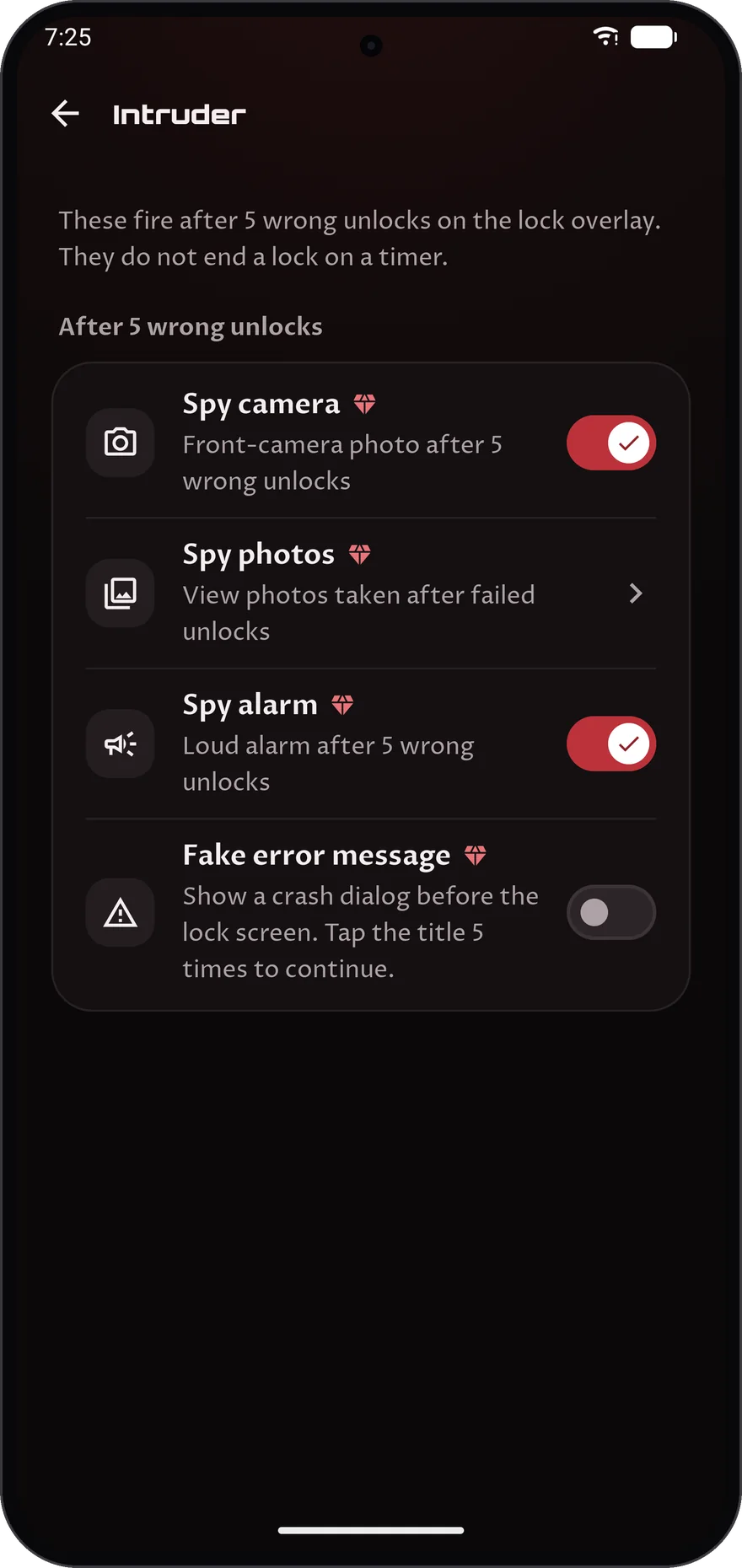
After 5 wrong unlocks Guardlock can photograph the person with the front camera, sound a loud alarm, or show a fake error.
Spy camera, with the photos kept for you to review
A loud spy alarm
A fake crash message you dismiss by tapping its title 5 times
05
05Plus
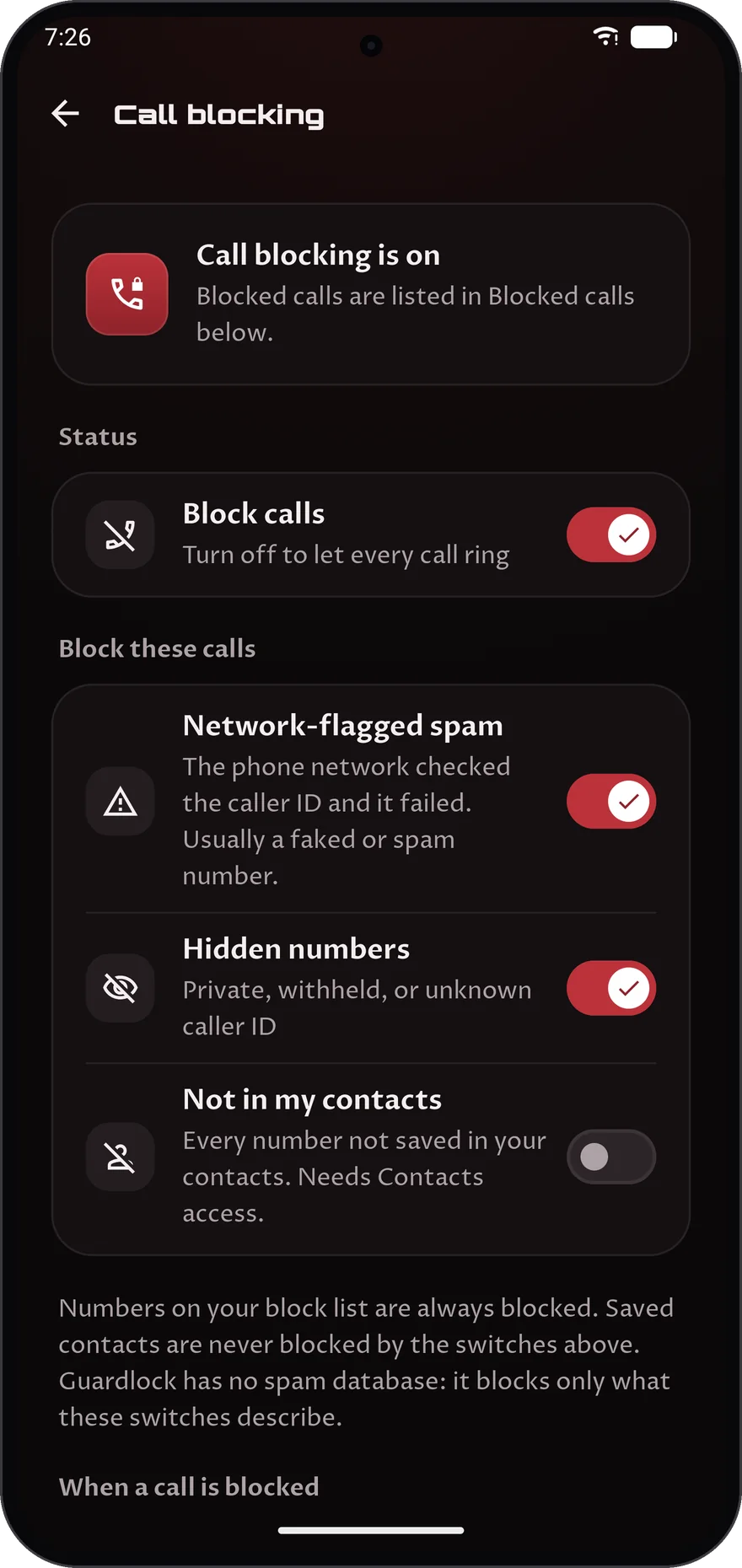
Block unwanted calls
Call blocking stops the calls you choose: spam the phone network has flagged, hidden numbers and, if you like, every number not in your contacts. There is no spam list; it blocks only what you switch on.
Network-flagged spam and hidden numbers
Your own block list. Saved contacts are never blocked by the switches
Hang up, or let the call ring silently
06
06Plus
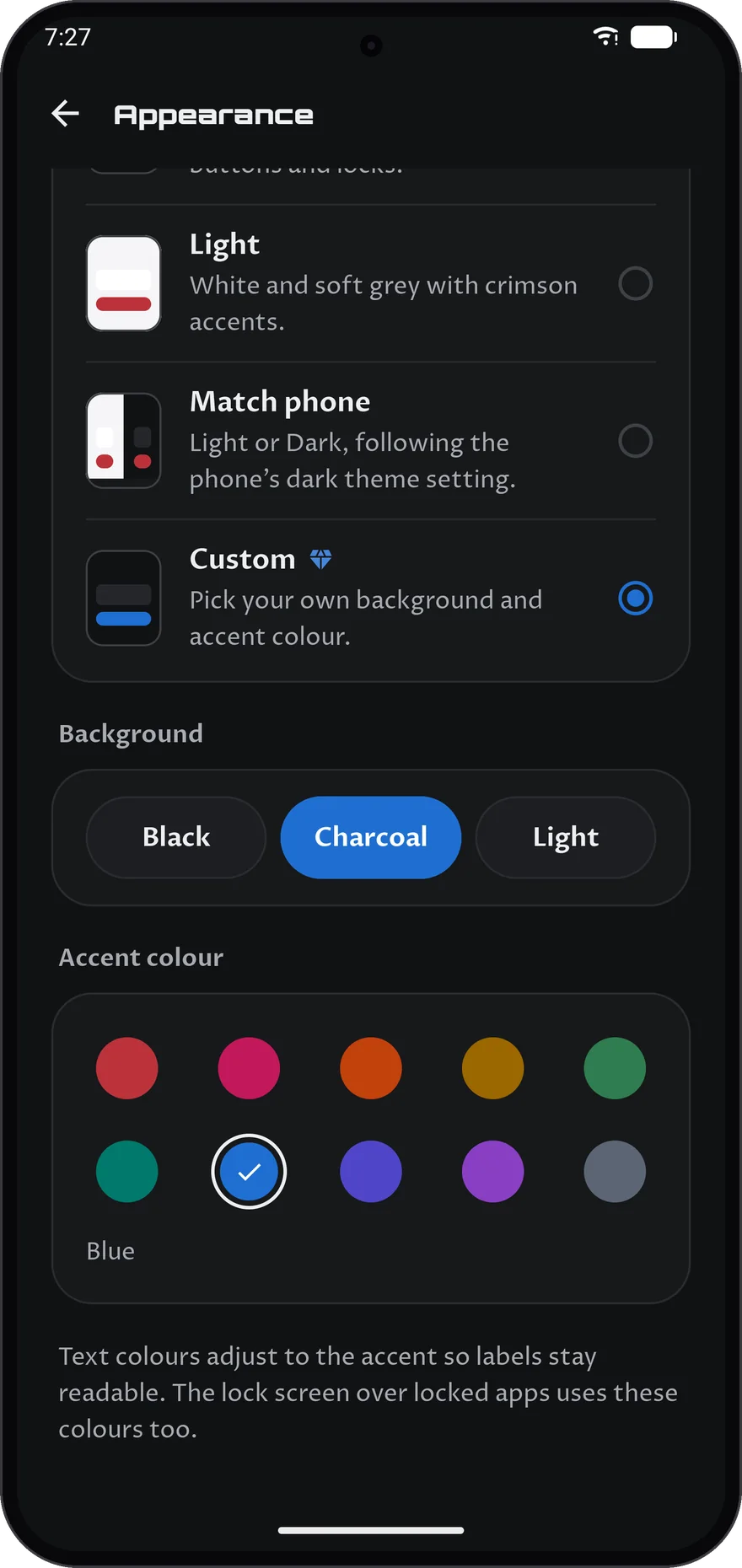
Make Guardlock your own
Custom theme lets you pick the background and the accent colour, and the lock screen over locked apps uses your colours too. The Guardlock, Dark, Light and Match phone themes are free.
A black, charcoal or light background
Ten accent colours
Text adjusts to your colour so labels stay readable
01Plus
Know where your time goes
Usage statistics shows your time in every app over the last seven days, with a daily total and how today compares with the day before.
The last seven days, app by app
A daily total you can check at a glance
A comparison with the previous day
02Plus
Track your data
Network statistics shows a week of Wi-Fi and mobile data, using the figures your phone already measured.
Wi-Fi and mobile data side by side
A full week of figures
It reads what your phone already measured
03Plus
See your lock activity
Lock statistics shows how long your apps have stayed locked over the last day or week, and each app's share of that time.
A day or a week at a glance
Each app's share of the total lock time
The apps locked right now, and for how long
04Plus
Catch anyone who guesses
After 5 wrong unlocks Guardlock can photograph the person with the front camera, sound a loud alarm, or show a fake error.
Spy camera, with the photos kept for you to review
A loud spy alarm
A fake crash message you dismiss by tapping its title 5 times
05Plus
Block unwanted calls
Call blocking stops the calls you choose: spam the phone network has flagged, hidden numbers and, if you like, every number not in your contacts. There is no spam list; it blocks only what you switch on.
Network-flagged spam and hidden numbers
Your own block list. Saved contacts are never blocked by the switches
Hang up, or let the call ring silently
06Plus
Make Guardlock your own
Custom theme lets you pick the background and the accent colour, and the lock screen over locked apps uses your colours too. The Guardlock, Dark, Light and Match phone themes are free.
A black, charcoal or light background
Ten accent colours
Text adjusts to your colour so labels stay readable
Free, or go further with Plus
Guardlock is free to download and to use for locking apps. Plus is a subscription you can add inside the app, paid monthly or yearly through Google Play.
Free
No charge
Download it and start locking apps straight away.
Lock any app with one tap
PIN, pattern, KnockCode or biometrics to unlock
Shows a small banner and an ad card on Home and on Settings, never on lock screens or over another app